

AliExpress Dropshipping Shopware 6 | xixaSoft
Detailed product description
AliExpress Dropshipping Shopware 6 | xixaSoft provides a centralized product sourcing and importing workflow inside the Shopware administration.
The plugin helps merchants discover supported AliExpress products and transfer available product information into their Shopware catalogue. Search for products using relevant keywords or supported product references, review the returned results and select the products you want to prepare for your store.
Before starting an import, select the destination Shopware sales channel and one of its active categories. Product information can then be reviewed and configured before it is added to the Shopware product catalogue.
Depending on the data made available by the selected AliExpress source, the plugin can process supported product titles, descriptions, images, prices, variants and related product information.
The configurable pricing workflow helps merchants calculate their selling prices before import. After importing, products remain editable through the standard Shopware product administration, allowing merchants to complete their tax, shipping, stock, translation, SEO and legal information before publication.
AliExpress Dropshipping is designed for Shopware merchants, agencies and product management teams that want to reduce repetitive manual product creation while maintaining control over the information published in their storefront.
Key features
- AliExpress product integration for Shopware 6
- Centralized Shopware administration dashboard
- Keyword-based product discovery
- Product URL or identifier import where supported
- Product result browsing
- Product information preview
- Individual product selection
- Multiple-product selection
- Select-all products option
- Direct product import
- Configurable product import
- Bulk product importing
- Shopware sales-channel selection
- Active category selection based on the selected sales channel
- Product category assignment during import
- Product title importing
- Product description importing
- Product image importing
- Product price importing
- Product variation importing where supported
- Product number and reference handling
- Configurable pricing adjustments
- Import progress feedback
- Import success and error information
- Responsive Shopware administration interface
- Secure external-service configuration
- Strict xixaSoft commercial licence validation
- Signed update information
- Integrated update workflow
- Built-in documentation and support panel
Product discovery
Search supported AliExpress product data without manually creating every Shopware product.
Available product discovery controls can include:
- Keyword search
- Product reference search
- Product URL import where supported
- Product result pagination
- Product preview
- Product image preview
- Available price information
- Product variation information
- Individual product selection
- Bulk selection
Available product information depends on the connected service, account permissions, product region and third-party data availability.
Sales-channel and category assignment
Before importing products, the plugin allows the administrator to select the destination Shopware sales channel.
After selecting a sales channel, its available active categories can be loaded for assignment. This helps merchants place newly imported products into the appropriate storefront structure during the import process.
The workflow includes:
- Select the Shopware sales channel.
- Load the active categories for that sales channel.
- Select the required category.
- Select one or multiple AliExpress products.
- Configure the selected products.
- Start the import.
- Review the imported products in Shopware.
Product configuration
Review and prepare supported product information before importing it into Shopware.
Configuration options can include:
- Product title
- Product description
- Product price
- Pricing adjustment
- Product images
- Product variants
- Product number
- Manufacturer information where available
- Stock information where available
- Destination sales channel
- Destination category
- Active or inactive import state
Merchants should review all imported information before publishing the product.
Pricing configuration
Apply a selling-price adjustment before importing supported products.
Pricing controls can help merchants account for:
- Supplier cost
- Shipping cost
- Payment-processing fees
- Store operating costs
- Tax obligations
- Marketing expenses
- Target profit margin
The final selling price should always be reviewed before publication. Supplier prices and shipping costs can change independently of Shopware.
Product import workflow
- Install and activate the plugin.
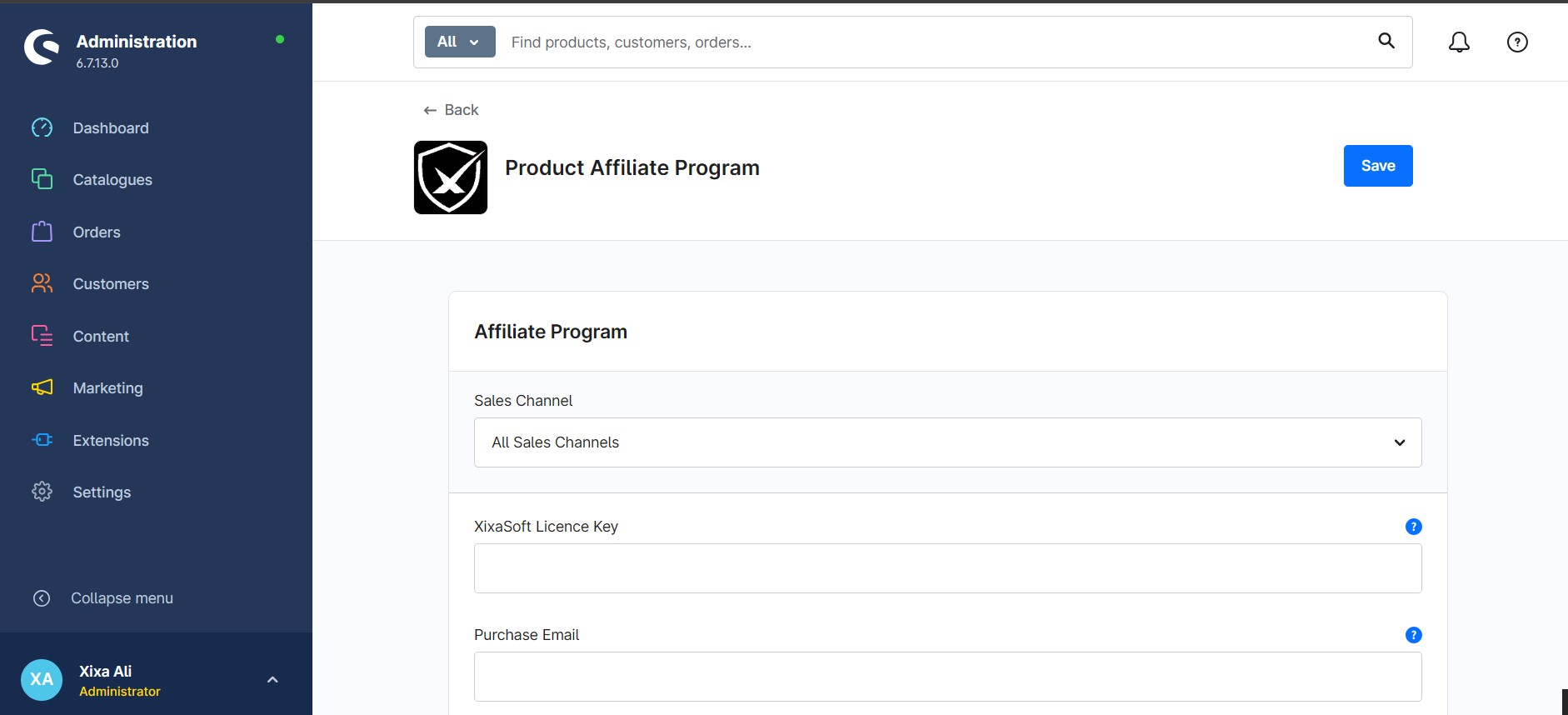
- Activate the xixaSoft commercial licence.
- Configure the supported AliExpress connection.
- Open the product discovery dashboard.
- Search for AliExpress products.
- Review the product results.
- Select the destination sales channel.
- Select an active Shopware category.
- Choose one or multiple products.
- Configure the product information.
- Apply the required pricing adjustment.
- Start the import.
- Review the import results.
- Open the imported products in Shopware.
- Complete tax, shipping, stock, SEO and legal information.
- Publish the products to the selected sales channel.
Administration dashboard
The dedicated administration module provides centralized access to:
- Product discovery
- Product search
- Product results
- Product selection
- Sales-channel selection
- Active category selection
- Product configuration
- Pricing settings
- Direct importing
- Bulk importing
- Import results
- Plugin configuration
- Licence activation
- Licence status
- Installed version
- Update information
- Documentation
- xixaSoft support
Primary business benefits
- Reduces repetitive manual product creation
- Centralizes AliExpress product sourcing inside Shopware
- Speeds up product catalogue preparation
- Supports individual and bulk product importing
- Gives merchants control over imported product information
- Assigns products to the required sales channel and category
- Helps calculate selling prices before import
- Transfers supported images and variations
- Keeps imported products editable in Shopware
- Supports a clearer product sourcing workflow
- Includes secure commercial licence activation
- Provides integrated updates, documentation and support
Ideal users and use cases
AliExpress Dropshipping Shopware 6 | xixaSoft is suitable for:
- New dropshipping businesses
- Existing Shopware merchants
- International ecommerce retailers
- UK and European online stores
- Niche product stores
- Product research teams
- Shopware agencies
- Merchants expanding their product catalogue
- Businesses sourcing products through AliExpress
- Store owners testing new product categories
Technical and purchase requirements
The following requirements apply:
- Supported Shopware 6.7 installation
- PHP 8.2–8.4
- Active AliExpress account where required
- Supported AliExpress API or connection credentials
- Valid xixaSoft commercial licence
- Correctly configured Shopware sales channel
- Active Shopware categories
- Appropriate currency configuration
- Appropriate tax configuration
- Appropriate shipping configuration
- Server access to applicable external services
Customers must confirm that the selected AliExpress connection method, API service or data provider is available for their account and operating region.
Important product-data notice
AliExpress product information is supplied and controlled by third-party sellers and platform services.
The following information may change without notice:
- Product availability
- Supplier price
- Stock quantity
- Product variants
- Product images
- Product description
- Warehouse availability
- Shipping cost
- Shipping method
- Delivery estimate
- Seller information
Always review imported products before making them visible in the storefront.
Merchant responsibilities
The merchant is responsible for checking:
- Product quality
- Supplier reliability
- Current product cost
- Shipping availability
- Expected delivery time
- Product safety
- Trademark and copyright restrictions
- Import restrictions
- Packaging requirements
- Labelling requirements
- Tax obligations
- Product compliance in the target country
- Accuracy of storefront information
The plugin assists with importing supported product information. It does not guarantee product quality, supplier performance, stock availability, shipping time or legal compliance.
Installation
- Purchase and download the plugin.
- Sign in to the Shopware administration.
- Navigate to Extensions → My Extensions.
- Upload the plugin ZIP package.
- Install and activate the plugin.
- Open the AliExpress Dropshipping administration module.
- Activate the xixaSoft commercial licence.
- Configure the supported AliExpress connection.
- Select a Shopware sales channel.
- Select an active category.
- Search for and configure a test product.
- Import the test product.
- Review the complete product record before performing a bulk import.
Delivery and licence
- Instant digital delivery after successful purchase
- Commercial software licence
- Licence activation required
- Licence usage according to the selected plan
- Updates provided during the applicable licence period
- Documentation and support access included
- No physical product will be delivered
Disclaimer
AliExpress Dropshipping Shopware 6 | xixaSoft is an independent integration product developed by xixaSoft.
xixaSoft is not AliExpress and does not control AliExpress accounts, sellers, APIs, product data, prices, stock, shipping services or platform policies.
AliExpress is a trademark of its respective owner. References to AliExpress are used only to describe the plugin’s integration purpose.
Support
For installation, configuration, licence or import assistance:
Website: https://xixasoft.com
Store: https://shop.xixasoft.com
Support: https://xixasoft.com/contact
Email: admin@xixasoft.com




Ratings & reviews
Only customers with a paid purchase of this product can submit a rating and review.