

Tazapay Payment Shopware 6 | xixaSoft
Detailed product description
Tazapay Payment | xixaSoft integrates the Tazapay payment platform with Shopware 6, enabling merchants to offer customers a secure external checkout option during order completion.
When a customer selects Tazapay at checkout, the plugin creates a payment session using the applicable order information and redirects the customer to the hosted Tazapay payment page. After payment, the customer returns to the Shopware storefront while the corresponding order and payment status are processed according to the response received from Tazapay.
The plugin includes separate sandbox and production configurations, allowing merchants and developers to test payment workflows before accepting live transactions. Webhook processing helps synchronize supported payment events even when the customer closes the browser or does not return directly to the store after completing payment.
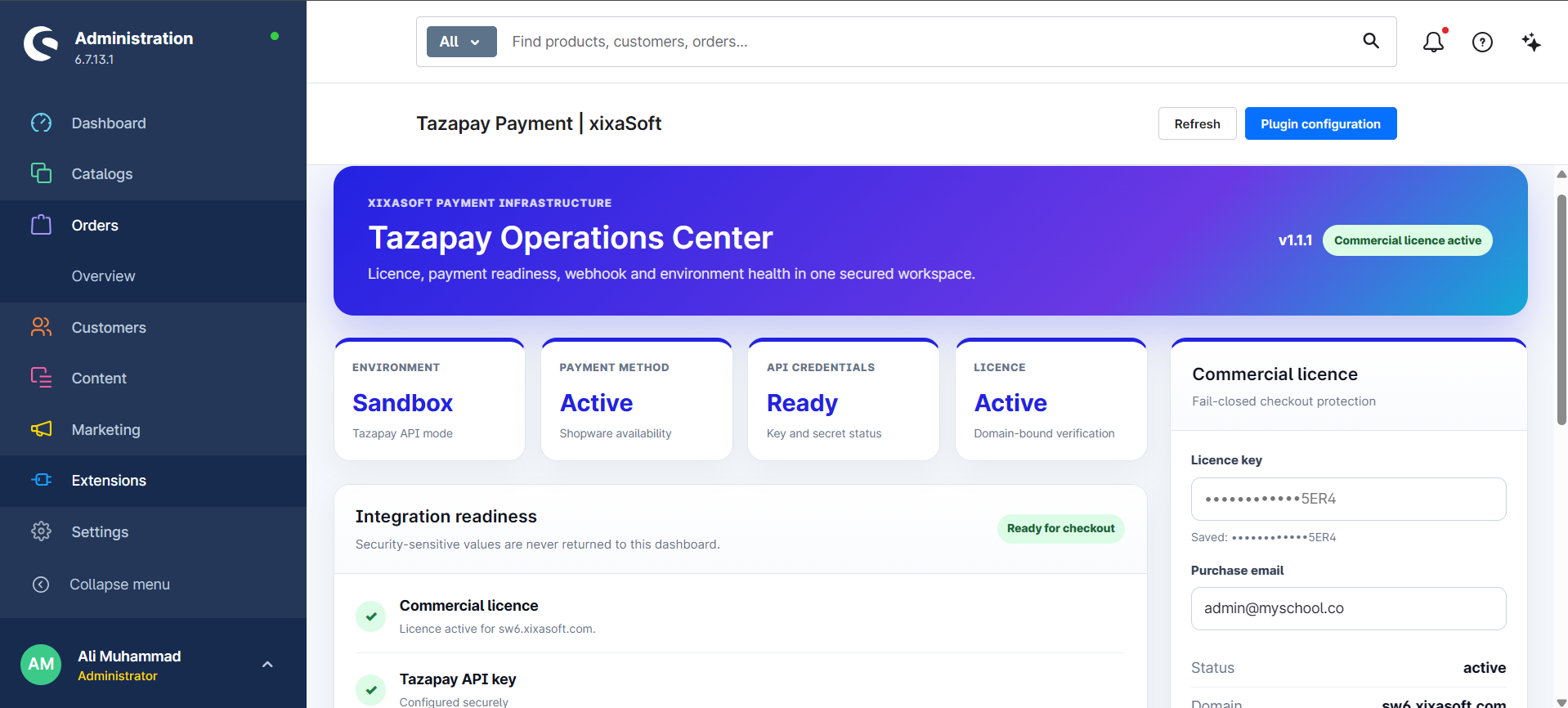
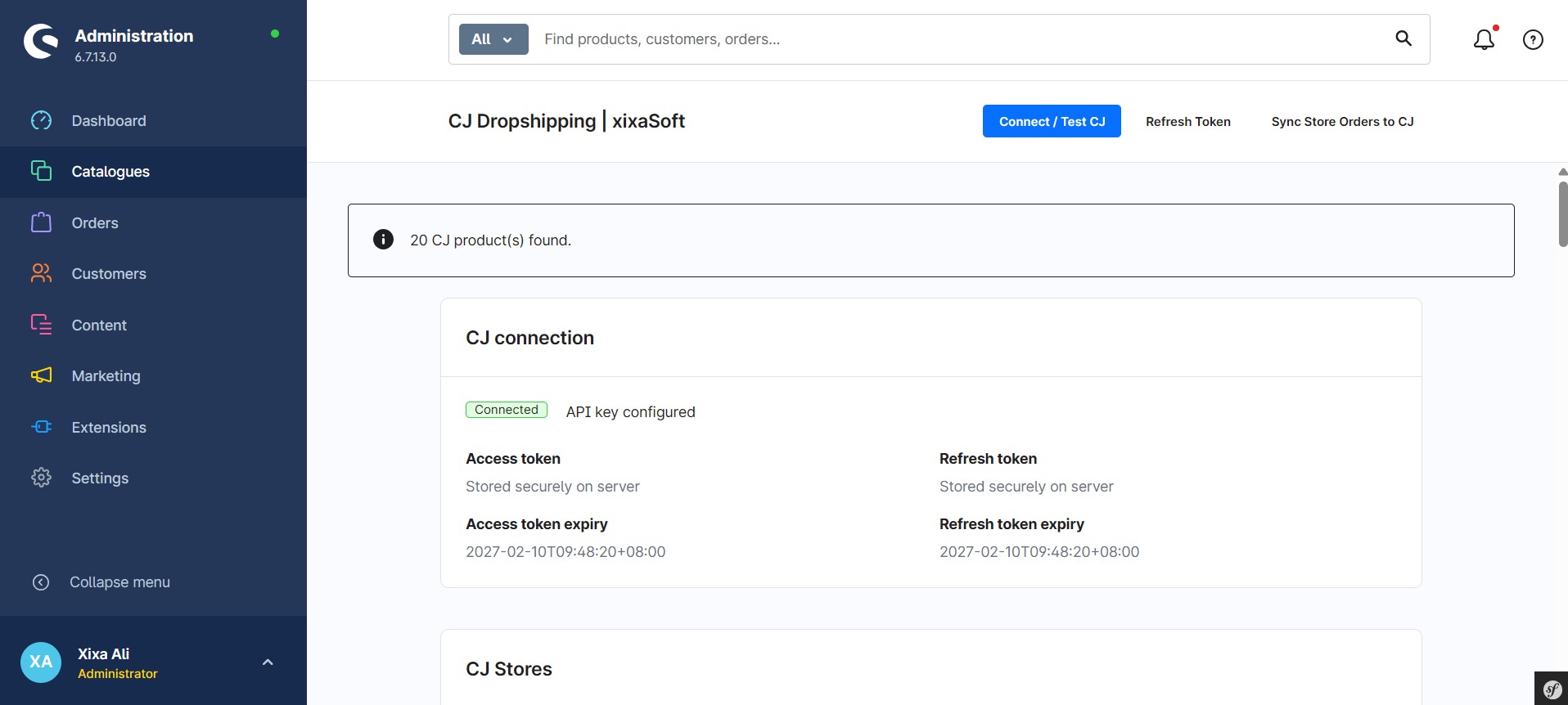
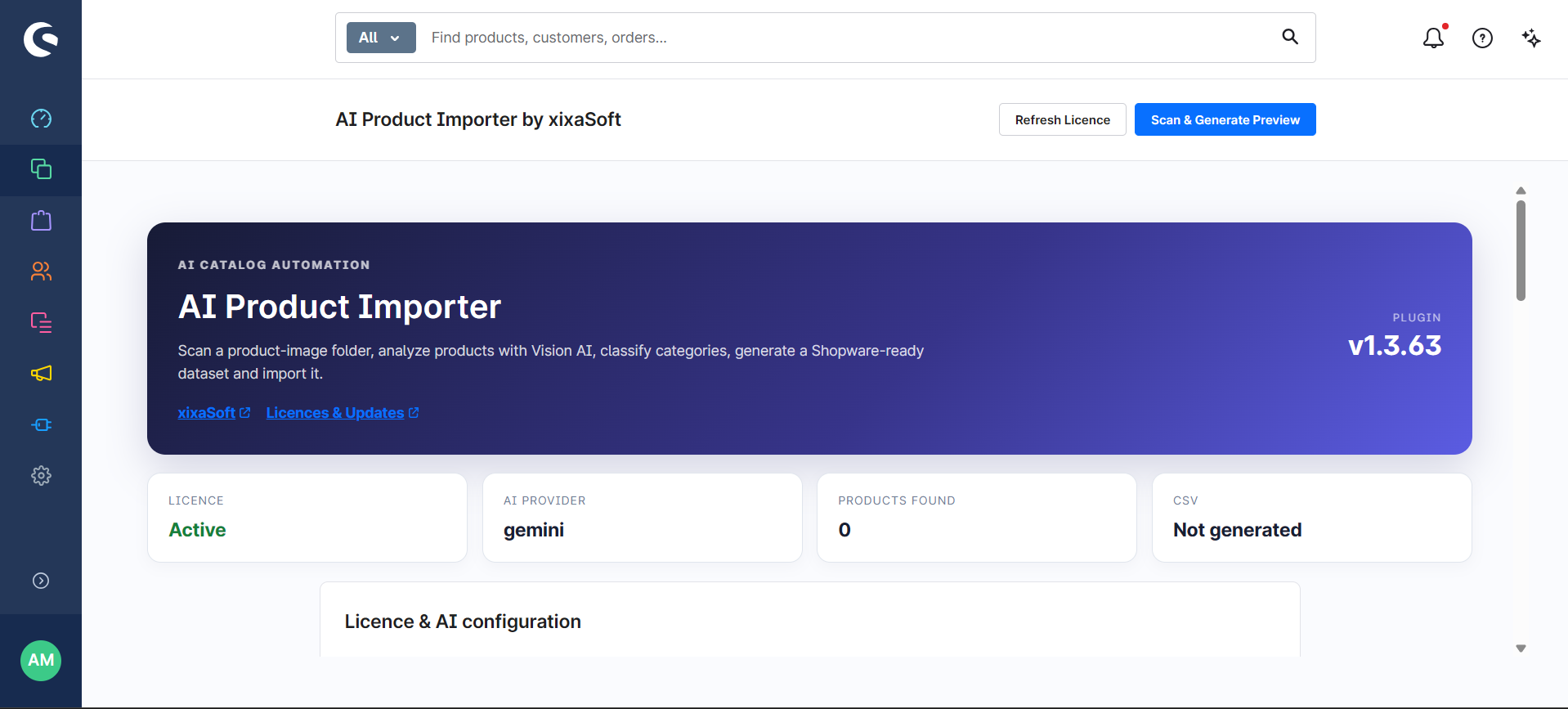
A dedicated administration dashboard provides access to connection settings, environment configuration, payment information, licence status, update controls, documentation and support resources.
Tazapay Payment is designed for Shopware merchants who want to connect their storefront with Tazapay without developing and maintaining a custom payment integration.
The availability of currencies, countries, settlement options and customer payment methods depends on the merchant’s Tazapay account, business verification, contract, region and current Tazapay services.
Key features
- Tazapay payment integration for Shopware 6
- Secure hosted payment-page redirection
- Shopware checkout payment-method integration
- Sandbox environment for testing
- Production environment for live payments
- Separate sandbox and live API credentials
- Secure server-side payment-session creation
- Order amount and currency transfer
- Customer and order reference transfer
- Success, cancellation and failure return handling
- Payment-status synchronization
- Webhook endpoint for supported payment events
- Duplicate webhook protection
- Transaction-reference storage
- Error handling for rejected or interrupted payments
- Shopware order and payment-state integration
- Configurable payment-method name and description
- Dedicated Shopware administration dashboard
- Connection and environment status information
- Secure xixaSoft commercial licence validation
- Signed update metadata
- Integrated one-click update workflow
- Built-in documentation and support panel
Payment workflow
- The customer adds products to the cart.
- The customer proceeds to the Shopware checkout.
- Tazapay is selected as the payment method.
- The customer confirms the order.
- The plugin securely creates a Tazapay payment session.
- The customer is redirected to the hosted payment page.
- The customer completes or cancels the payment.
- Tazapay redirects the customer back to the Shopware storefront.
- The plugin processes the payment result.
- Supported webhook events synchronize the final payment state.
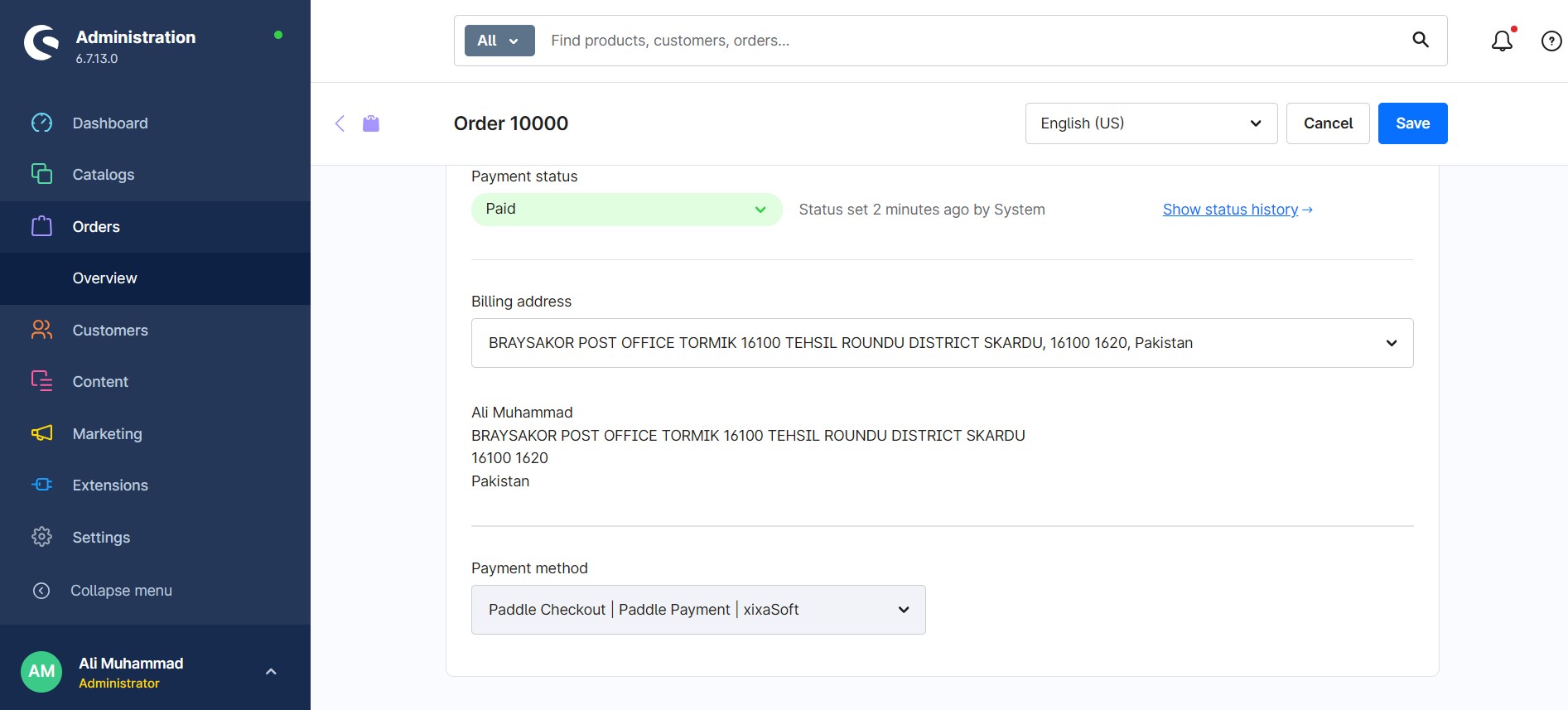
- The Shopware order remains available in the administration with its related transaction information.
Administration dashboard
The integrated administration area provides centralized access to:
- Plugin status
- Environment selection
- Sandbox configuration
- Production configuration
- API connection information
- Webhook endpoint
- Payment-method settings
- Licence activation and status
- Installed plugin version
- Update availability
- Documentation
- xixaSoft support information
Sandbox and production modes
Sandbox mode
Use sandbox mode to test the integration without processing live payments.
Sandbox mode supports:
- Test API credentials
- Test payment sessions
- Checkout redirection testing
- Return URL testing
- Payment-status testing
- Webhook-event testing
Production mode
Use production mode after your Tazapay merchant account has been approved and live API access has been enabled.
Before enabling production mode, confirm that:
- Your Tazapay merchant account is active
- Business verification is complete
- Live API credentials are available
- The production webhook URL has been configured
- HTTPS is enabled on the Shopware storefront
- A complete test order has been performed
Webhook support
The plugin provides a dedicated webhook endpoint for receiving supported payment notifications from Tazapay.
Webhook processing can help update payment information when:
- A payment is completed
- A payment fails
- A payment is cancelled
- A payment remains pending
- A supported transaction status changes
- The customer does not return to the storefront
The exact webhook configuration and available event types depend on the merchant’s Tazapay account and current API configuration.
Security features
- Server-side API communication
- No private API credentials exposed in the storefront
- Secure Shopware configuration storage
- HTTPS-ready payment flow
- Webhook request validation where supported
- Duplicate event protection
- Order and transaction reference validation
- Controlled payment-state transitions
- Commercial licence validation
- Signed update information
- Environment separation between test and live payments
Primary business benefits
- Connects Tazapay with the Shopware checkout
- Reduces the need for custom payment development
- Provides a secure hosted checkout experience
- Keeps sensitive payment entry outside the Shopware storefront
- Supports testing before production activation
- Helps synchronize transactions with Shopware orders
- Centralizes payment and plugin configuration
- Supports international ecommerce workflows subject to Tazapay approval
- Includes secure licence activation and integrated updates
- Provides documentation and technical support access
Ideal users and use cases
Tazapay Payment | xixaSoft is suitable for:
- Shopware 6 merchants
- International ecommerce businesses
- Cross-border online stores
- Digital product sellers
- Software and licence stores
- B2B and B2C merchants
- Shopware development agencies
- Businesses with an approved Tazapay merchant account
- Merchants requiring a hosted external payment flow
Technical and purchase requirements
The following requirements apply:
- Supported Shopware 6.7 installation
- PHP 8.2–8.4
- Valid SSL certificate and HTTPS storefront
- Active Tazapay merchant account
- Tazapay API credentials
- Approved live access for production transactions
- Publicly accessible webhook endpoint
- Valid xixaSoft commercial licence
- Supported Shopware storefront and checkout configuration
Customers should confirm Tazapay’s availability in their country and business category before purchasing the plugin.
The plugin does not create, approve or verify a Tazapay merchant account. Merchant onboarding, transaction approval, supported currencies, payment methods, processing fees, settlement schedules, reserves and regional availability are managed directly by Tazapay.
Installation
- Purchase and download the plugin package.
- Open the Shopware administration.
- Navigate to Extensions → My Extensions.
- Upload the plugin ZIP file.
- Install and activate the plugin.
- Open the Tazapay Payment administration module.
- Activate the xixaSoft commercial licence.
- Select Sandbox or Production mode.
- Enter the applicable Tazapay API credentials.
- Copy the displayed webhook URL.
- Configure the webhook in the Tazapay account where supported.
- Enable the payment method for the required sales channel.
- Complete a test order before accepting live payments.
Important notice
This product is an independent integration developed by xixaSoft. Tazapay account approval, API availability, payment-method availability and transaction processing are controlled by Tazapay.
Customers are responsible for confirming that their business, products, operating country and target markets comply with Tazapay’s terms and eligibility requirements.
Delivery and licence
- Instant digital delivery after successful purchase
- Commercial software licence
- Licence activation required
- One licence plan applies according to the purchased package
- Updates provided during the applicable licence period
- Documentation and support access included
- No physical product will be delivered
Support
For installation, configuration or licence assistance:
Website: https://xixasoft.com
Store: https://shop.xixasoft.com
Support: https://xixasoft.com/contact
Email: admin@xixasoft.com




Ratings & reviews
Only customers with a paid purchase of this product can submit a rating and review.