

Product Bundle Builder Shopware 6 | xixaSoft
Detailed product description
Product Bundle Builder Shopware 6 | xixaSoft helps merchants create engaging, cart-value-based promotions from a dedicated Shopware administration dashboard.
Build multiple reward tiers and define the minimum and maximum cart values required for each promotion. When a customer reaches an eligible cart amount, the plugin can offer a free gift product, activate free shipping or provide a configured fixed or percentage coupon reward.
Promotions can be displayed through responsive storefront components, including product detail sections, cart messaging and floating reward widgets. Customers can see available rewards, understand how much more they need to spend and discover the benefits unlocked at higher cart values.
Flexible display controls allow merchants to present different promotion types using configurable animations such as fade, slide, up, down, left and right. Promotions can also rotate to keep the storefront presentation engaging without overwhelming the customer.
The plugin is designed for Shopware merchants who want to increase average order value, promote selected products, improve cart engagement and run structured reward campaigns without manually managing each customer order.
Key features
- Product bundle and cart reward management for Shopware 6
- Dedicated Shopware administration dashboard
- Multiple configurable promotion campaigns
- Dynamic minimum cart-value thresholds
- Optional maximum cart-value thresholds
- Multiple reward tiers
- Free gift product rewards
- Free shipping rewards
- Coupon code rewards
- Fixed-value coupon discounts
- Percentage coupon discounts
- Product search and selection
- Select one or multiple eligible gift products
- Configurable reward title and description
- Custom storefront promotional messaging
- Product detail page promotion display
- Shopping cart promotion display
- Off-canvas cart integration
- Floating storefront reward widget
- Random or rotating reward presentation
- Fade animation
- Slide animation
- Up and down animations
- Left and right animations
- Configurable animation timing
- Responsive desktop, tablet and mobile presentation
- Sales-channel-based configuration
- Campaign enable and disable controls
- Promotion start and end scheduling
- Automatic cart-value evaluation
- Automatic reward eligibility handling
- Secure Shopware cart integration
- Strict xixaSoft commercial licence validation
- Signed update information
- Integrated one-click update workflow
- Built-in documentation and support panel
Available reward types
Free gift product
Offer one or more selected products when the customer reaches the configured cart-value threshold.
Administrators can configure:
- Minimum qualifying cart value
- Optional maximum qualifying cart value
- Eligible gift product
- Multiple gift choices
- Gift quantity
- Promotion title
- Promotion message
- Display location
- Campaign schedule
- Sales-channel availability
Free shipping
Reward customers with free shipping after they reach the configured cart value.
Administrators can configure:
- Minimum qualifying cart value
- Optional maximum qualifying cart value
- Promotion title
- Free-shipping message
- Progress message
- Eligible sales channels
- Campaign start and end dates
Fixed-value coupon
Provide a coupon with a fixed discount amount when the configured cart-value requirement is met.
Example:
- Spend €100
- Receive a €10 coupon reward
Administrators can configure:
- Minimum cart value
- Optional maximum cart value
- Fixed discount amount
- Coupon code
- Reward title
- Reward description
- Campaign schedule
- Sales-channel availability
Percentage coupon
Provide a percentage discount coupon when the customer reaches an eligible cart value.
Example:
- Spend €150
- Receive a 15% discount reward
Administrators can configure:
- Minimum cart value
- Optional maximum cart value
- Percentage discount
- Coupon code
- Reward title
- Reward description
- Campaign schedule
- Sales-channel availability
Dynamic reward tiers
Create multiple promotional levels based on different cart totals.
Example campaign:
- Spend €50 and unlock a free gift
- Spend €100 and receive free shipping
- Spend €150 and receive a €15 coupon
- Spend €200 and receive a 20% discount coupon
Each tier can have its own:
- Reward type
- Minimum cart value
- Maximum cart value
- Gift product
- Coupon value
- Promotional message
- Display style
- Animation
- Campaign period
- Sales-channel assignment
When the cart value exceeds the highest configured threshold, the plugin continues handling the appropriate available reward without producing an invalid cart state.
Storefront promotion display
Show configured campaigns in relevant storefront areas so customers can understand the rewards available to them.
Supported display areas can include:
- Product detail page
- Shopping cart page
- Off-canvas cart
- Floating reward widget
- Storefront promotional section
The displayed content can include:
- Campaign title
- Reward description
- Gift product image
- Gift product name
- Current cart value
- Required cart value
- Remaining amount
- Unlocked reward
- Next available reward
- Call-to-action message
Product detail page display
Present available bundle rewards directly on the product detail page.
This placement helps customers discover active promotions before adding a product to the cart. Depending on the campaign configuration, the section can display free gifts, free shipping, coupon rewards and higher-value reward tiers.
The product detail presentation can include:
- Promotion heading
- Reward cards
- Gift product details
- Required cart values
- Coupon information
- Free-shipping information
- Animated promotion rotation
- Responsive mobile layout
Floating reward widget
Keep the active promotion visible through a responsive floating storefront widget.
The floating widget can display:
- Current reward progress
- Remaining amount
- Available gift
- Free-shipping status
- Coupon reward
- Next reward level
- Animated campaign messages
Available animation styles can include:
- Fade
- Slide
- Up
- Down
- Left
- Right
Multiple eligible promotion types can rotate randomly or sequentially according to the configured display behavior.
Cart-value evaluation
The plugin evaluates the customer’s qualifying cart value and determines which reward tier is available.
The evaluation workflow includes:
- Calculate the applicable cart value.
- Find the matching active reward tier.
- Check the configured minimum value.
- Check the optional maximum value.
- Confirm sales-channel eligibility.
- Display the available reward.
- Apply or offer the configured reward type.
- Recalculate eligibility when the cart changes.
- Remove or adjust the reward if the cart no longer qualifies.
Administration dashboard
The dedicated administration module provides centralized access to:
- Campaign overview
- Active promotions
- Reward creation
- Reward editing
- Reward types
- Cart-value thresholds
- Product search
- Gift product selection
- Free-shipping configuration
- Fixed coupon configuration
- Percentage coupon configuration
- Sales-channel assignment
- Campaign scheduling
- Display placements
- Animation settings
- Floating widget settings
- Product detail display settings
- Licence activation
- Licence status
- Installed version
- Update availability
- Documentation
- xixaSoft support
Primary business benefits
- Encourages customers to increase their cart value
- Helps improve average order value
- Promotes selected products as free gifts
- Provides structured free-shipping incentives
- Supports fixed and percentage coupon campaigns
- Makes higher reward levels visible to customers
- Improves product detail and cart engagement
- Supports multiple reward tiers
- Reduces repetitive manual promotion management
- Centralizes reward configuration inside Shopware
- Provides responsive promotional displays
- Includes secure commercial licence activation
- Provides integrated updates, documentation and support
Ideal users and use cases
Product Bundle Builder Shopware 6 | xixaSoft is suitable for:
- Shopware merchants
- Fashion and lifestyle stores
- Beauty and cosmetics stores
- Electronics retailers
- Food and beverage shops
- Digital product stores
- B2B and B2C businesses
- Seasonal campaign managers
- Shopware agencies
- Stores launching new products
- Merchants clearing selected inventory
- Businesses focused on increasing average order value
Example campaigns
Free gift campaign
Spend €75 and choose a free promotional product.
Free-shipping campaign
Spend €100 and receive free shipping on the current order.
Fixed coupon campaign
Spend €150 and unlock a €15 discount coupon.
Percentage coupon campaign
Spend €200 and unlock a 20% discount coupon.
Multi-level reward campaign
- €50: Free sample product
- €100: Free shipping
- €150: €15 coupon
- €200: 20% coupon
Technical and purchase requirements
The following requirements apply:
- Supported Shopware 6.7 installation
- PHP 8.2–8.4
- Compatible Shopware storefront theme
- Correctly configured sales channel
- Active gift products
- Valid shipping configuration for free-shipping rewards
- Valid promotion or coupon configuration where required
- Valid xixaSoft commercial licence
- JavaScript enabled in the customer’s browser for interactive storefront widgets
Custom themes or third-party cart extensions may require additional compatibility adjustments if they replace standard Shopware cart, off-canvas or product detail templates.
Installation
- Purchase and download the plugin.
- Sign in to the Shopware administration.
- Navigate to Extensions → My Extensions.
- Upload the plugin ZIP package.
- Install and activate the plugin.
- Open Marketing → Product Bundle Builder.
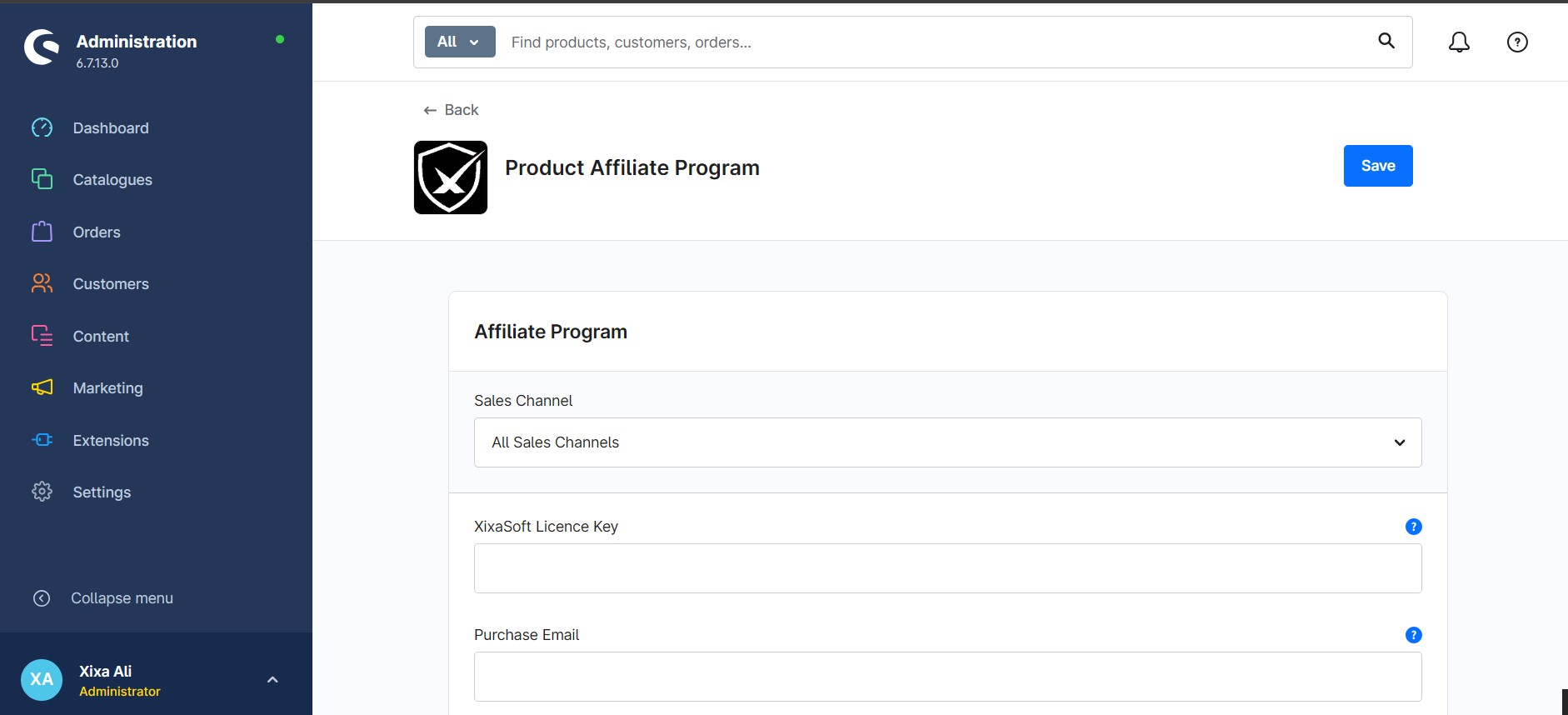
- Activate the xixaSoft commercial licence.
- Create the first reward campaign.
- Select the required reward type.
- Configure the minimum and optional maximum cart values.
- Select gift products or configure the coupon/free-shipping reward.
- Choose the applicable sales channel.
- Configure storefront placements and animations.
- Save and activate the campaign.
- Test the campaign with different cart totals before production use.
Campaign testing recommendations
Before publishing a campaign, test:
- Cart values below the minimum threshold
- Cart values equal to the minimum threshold
- Cart values between reward tiers
- Cart values equal to the maximum threshold
- Cart values above the highest reward tier
- Adding and removing qualifying products
- Free gift selection
- Free-shipping application
- Fixed coupon application
- Percentage coupon application
- Product detail display
- Cart page display
- Off-canvas cart display
- Floating widget display
- Desktop and mobile layouts
Delivery and licence
- Instant digital delivery after successful purchase
- Commercial software licence
- Licence activation required
- Licence usage according to the selected plan
- Updates provided during the applicable licence period
- Documentation and support access included
- No physical product will be delivered
Support
For installation, configuration, licence or campaign assistance:
Website: https://xixasoft.com
Store: https://shop.xixasoft.com
Support: https://xixasoft.com/contact
Email: admin@xixasoft.com




Ratings & reviews
Only customers with a paid purchase of this product can submit a rating and review.